[CLIENT NAME · INDUSTRY · TEAM SIZE]Case 01
- Challenge
- [What wasn't working before, in one sentence]
- What we did
- [Design, code, rollout, number of signatures]
- Result
- [MEASURED RESULT NEEDED]
Your logo, photo, contact details, social links and an optional call to action, hand-coded in HTML and tested in the inboxes you use.

Hand-coded HTML email signatures that look sharp in Gmail, Outlook, Apple Mail and every inbox in between. Every email you send starts to look like it came from a premium brand.
900+ clients2,000+ projects60+ countries10+ years
Hi Sam, thanks for the call today. The proposal for the spring campaign is attached. Happy to walk you through it on Thursday. Best regards,
Hi Sam,Thanks for the call today. The proposal for the spring campaign is attached. Happy to walk you through it on Thursday.Best regards,
Maya LindenCreative Director
+1 (555) 014 2290|maya@aurelle.example
AURELLE.EXAMPLE<table role="presentation" cellpadding="0"
cellspacing="0" style="font-family:Arial,sans-serif;">
<tr>
<td style="padding:20px;">
<b style="font-size:17px;color:#17233B;">Maya Linden</b>
<span style="font-size:16px;color:#7662C9;">
Creative Director</span><br>
<span style="font-size:13px;color:#17233B;">
+1 (555) 014 2290 | maya@aurelle.example</span><br>
<a href="https://aurelle.example"
style="display:inline-block;background:#7662C9;
color:#FFFFFF;border-radius:20px;padding:6px 14px;
font-size:11px;letter-spacing:2px;">AURELLE.EXAMPLE</a>
</td>
<td align="right" style="padding:20px;">
<img src="https://img.aurelle.example/logo.png"
width="190" height="56" alt="Aurelle Studio">
</td>
</tr>
</table> AApple Mail
 YYahoo Mail
Trusted by 900+ brands, including
 eXp Realty
 REAL
REAL Keller Williams
 ActionCOACH
 E-learning Maatwerk
 rmkbl
rmkbl Arete
Arete Co-Pilot
 One Agency
 RE/MAX
 Aston Martin
 XAPT
XAPT Microsoft Gold Partner
 Content Lab
 Würth
Würth Inovec
 Firmex
 Shape
Shape Houzz
Houzz Dinape
 Auchan
 Sotheby's
 Coachable
 iExist
 Alto
Alto AWL
AWL Contacx
 In Financial Services
 Mortgage InvestorseXp RealtyREALKeller WilliamsActionCOACHE-learning MaatwerkrmkblAreteCo-PilotOne AgencyRE/MAXAston MartinXAPTMicrosoft Gold PartnerContent LabWürthInovecFirmexShapeHouzzDinapeAuchanSotheby'sCoachableiExistAltoAWLContacxIn Financial ServicesMortgage Investors
900+ clients in 60+ countries, across 40+ industries including real estate, finance, automotive, retail, coaching and software.
Signature impressions
Your signature is the one piece of branding that goes out with every message your team sends. Move the sliders to see how often people see yours each year.
Counts each sent email once. Replies and forwards carry your signature further, so the real number is usually higher.
From solo consultants to global teams, here is the scale of the work so far.
Signatures and generators shipped, across 40+ industries
From freelancers to Fortune 500 teams
Hand-coding HTML for email clients
We revise until you’re happy with it
Signatures sending from inboxes in 60+ countries
Approximate average click rate on signature banners
Services
Pick the outcome you need. Every service is designed, hand-coded and tested by us, never pulled from a template library.
Custom design & codingMost popular
Your logo, photo, contact details, social links and an optional call to action, hand-coded in table-based HTML and built to your brand guidelines.
From $40See what’s included
Animated
A pulsing CTA, an animated logo or a soft fade-in, with clean fallbacks where animation isn’t supported.
From $95
Team bundles
Personalised signatures for your whole team, supplied as one discounted bundle.
Priced by team size
Signature generatorUnlimited signatures
We build a generator locked to your brand. Your team fills in their details and copies a finished signature, as often as you need.
From $390
Remote installation
Direct setup in Gmail, Outlook, Apple Mail or Office 365 over a remote session.
Included in Premium
Banner design · add-on
Custom banners and graphics that sit under your signature.
Quoted separately
Selected work
150+ signatures across seven styles. Flip any piece to see the code behind it.
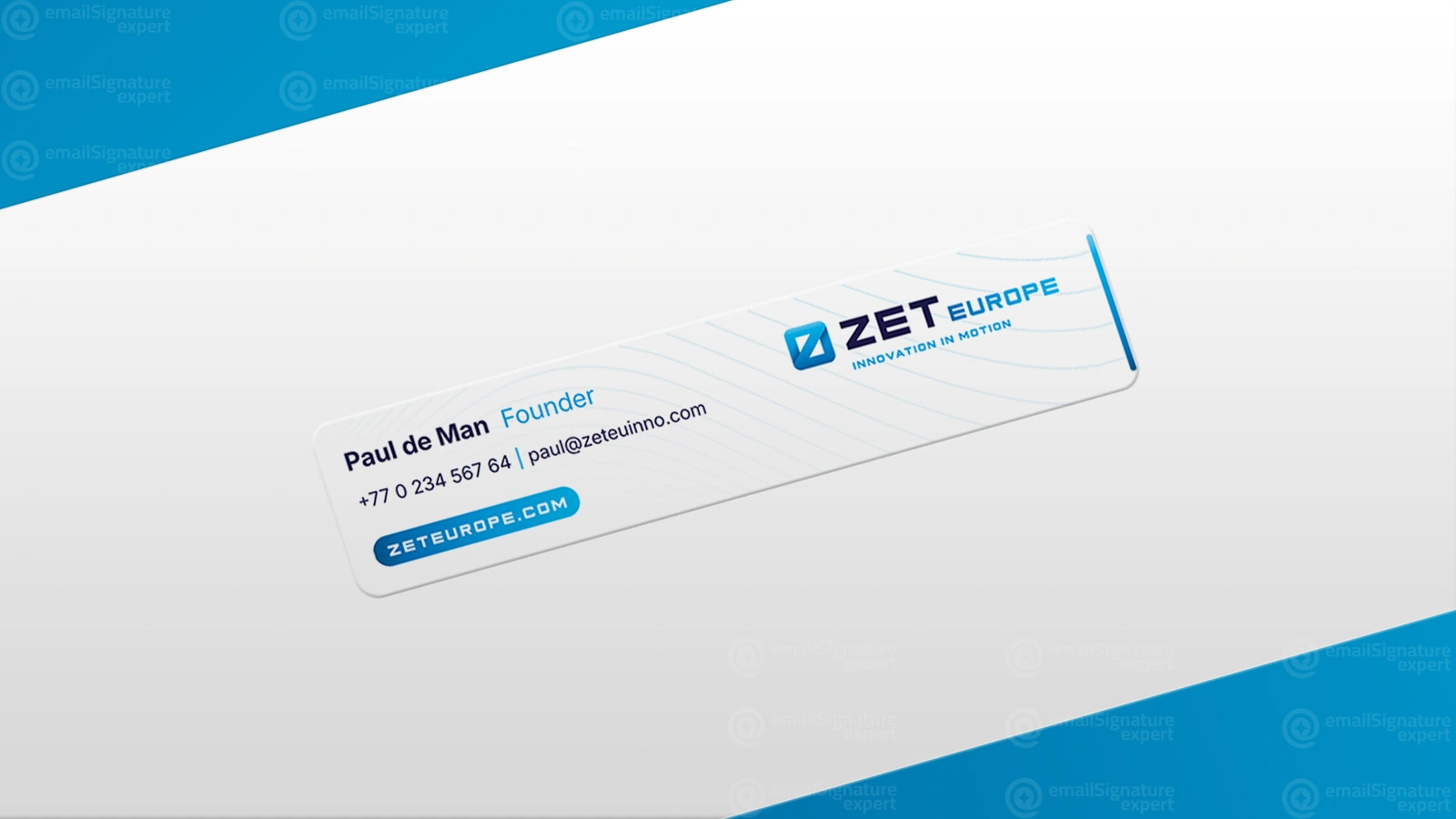
<table role="presentation"><tr><td
 style="font:20px Georgia,serif;">Hannah Lindqvist
</td></tr><tr><td style="border-top:1px solid
 #DCD6EE;padding-top:10px;font:12px Arial;">
 +46 8 123 456 78</td></tr></table>
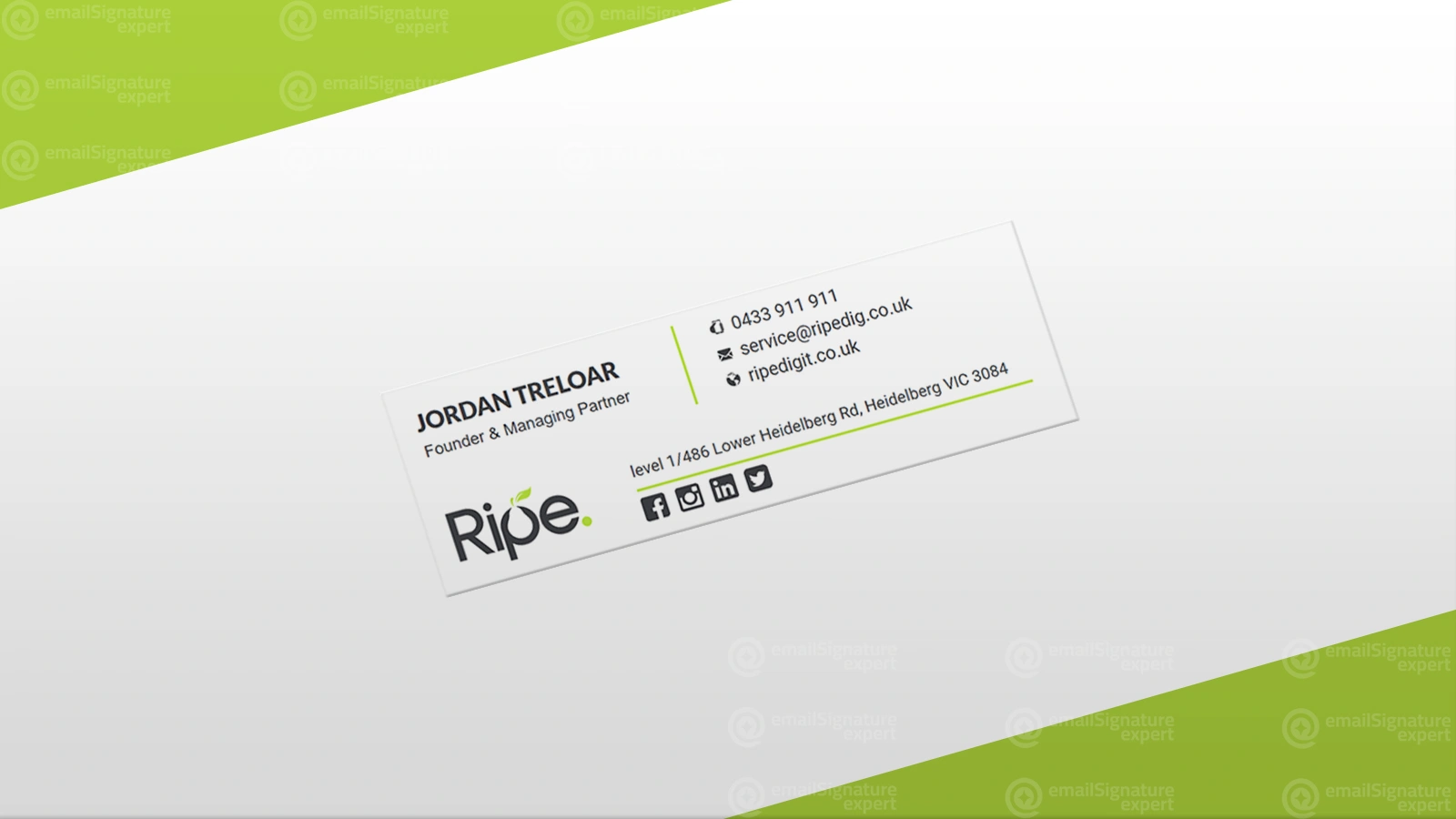
<td style="border-left:2px solid #5B3FD0;
 padding-left:16px;">
 <b style="font-size:15px;">Marcus Webb</b>
</td>
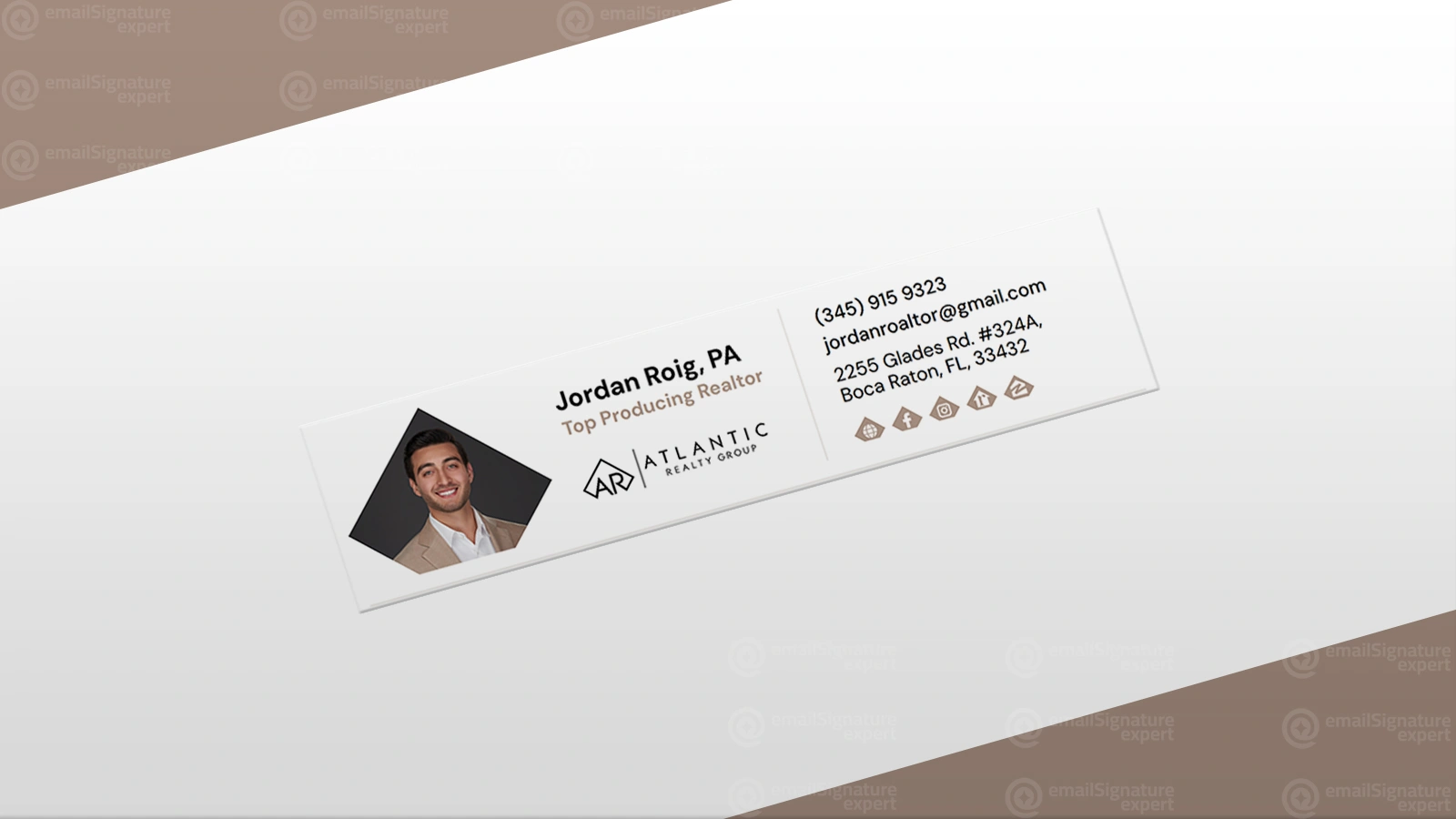
<img src="https://img.example.com/aisha.png"
 width="64" height="64" alt="Aisha Khan"
 style="display:block;border-radius:50%;">
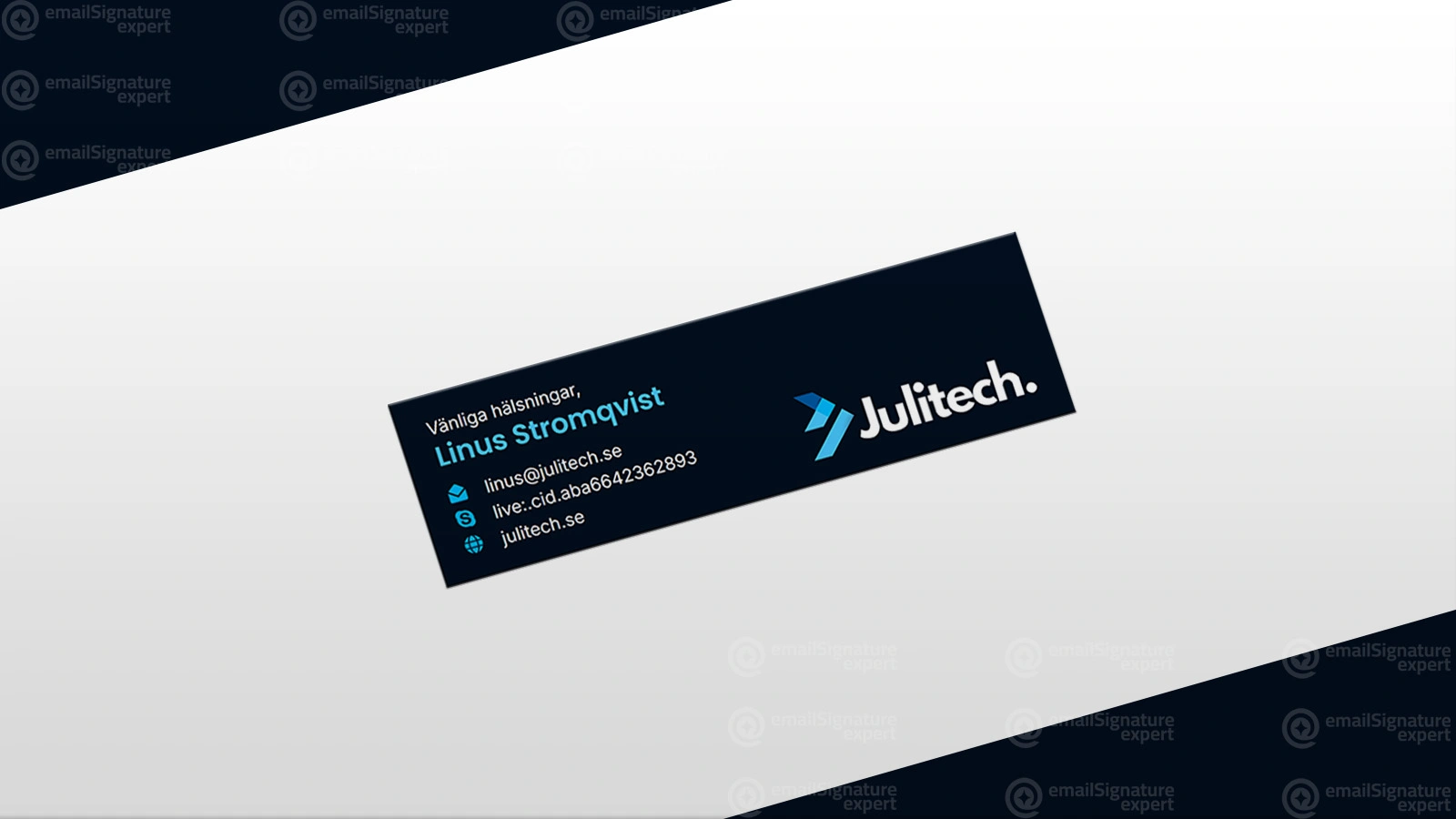
<table role="presentation" bgcolor="#1A2550"
 style="background:#1A2550;">
 <!-- dark artwork + light-mode fallback -->
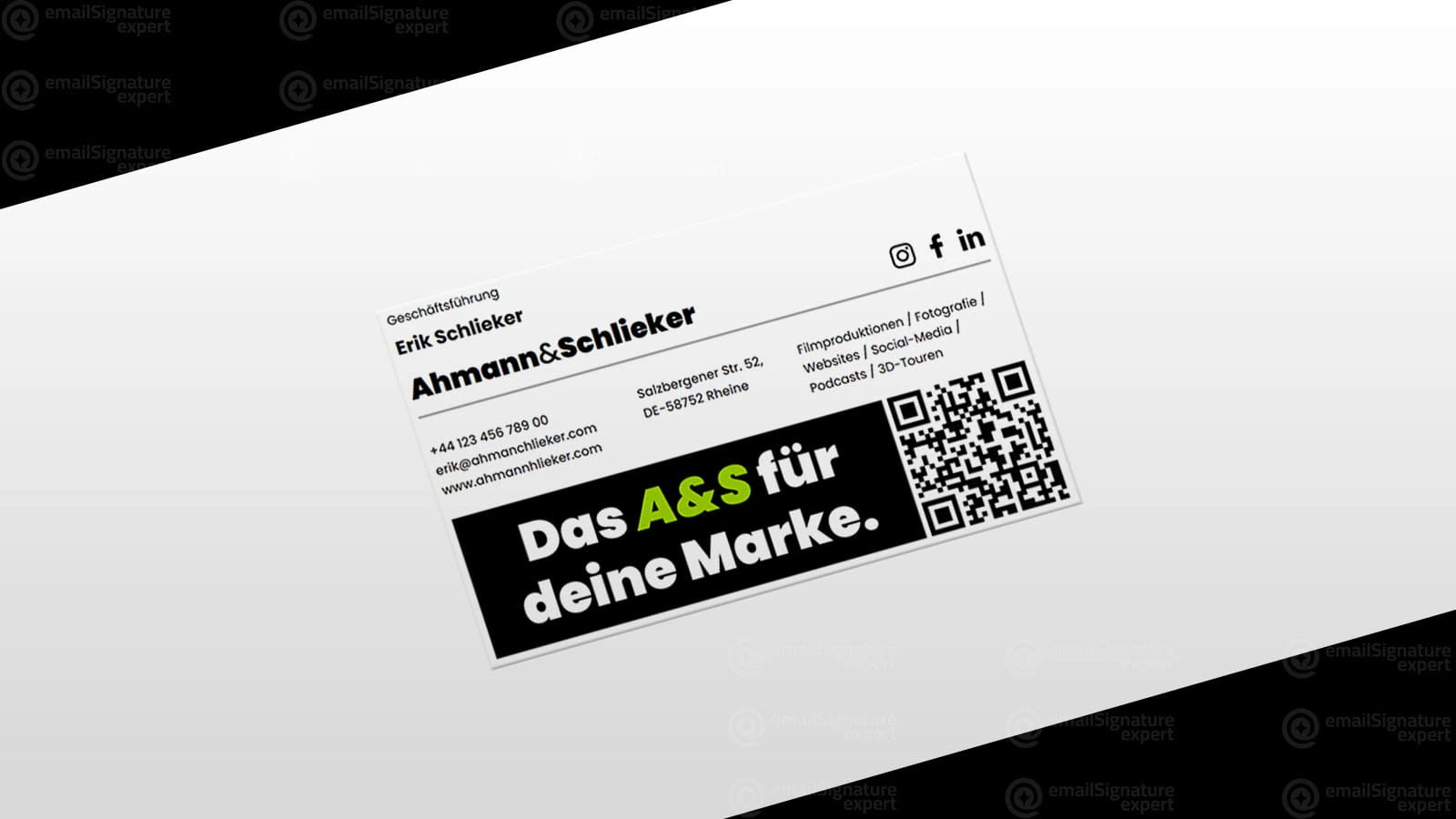
<a href="https://greenfield.example/webinar">
 <img src="https://img.example.com/banner.png"
  width="460" height="80" alt="Spring webinar,
  14 May. Register."></a>
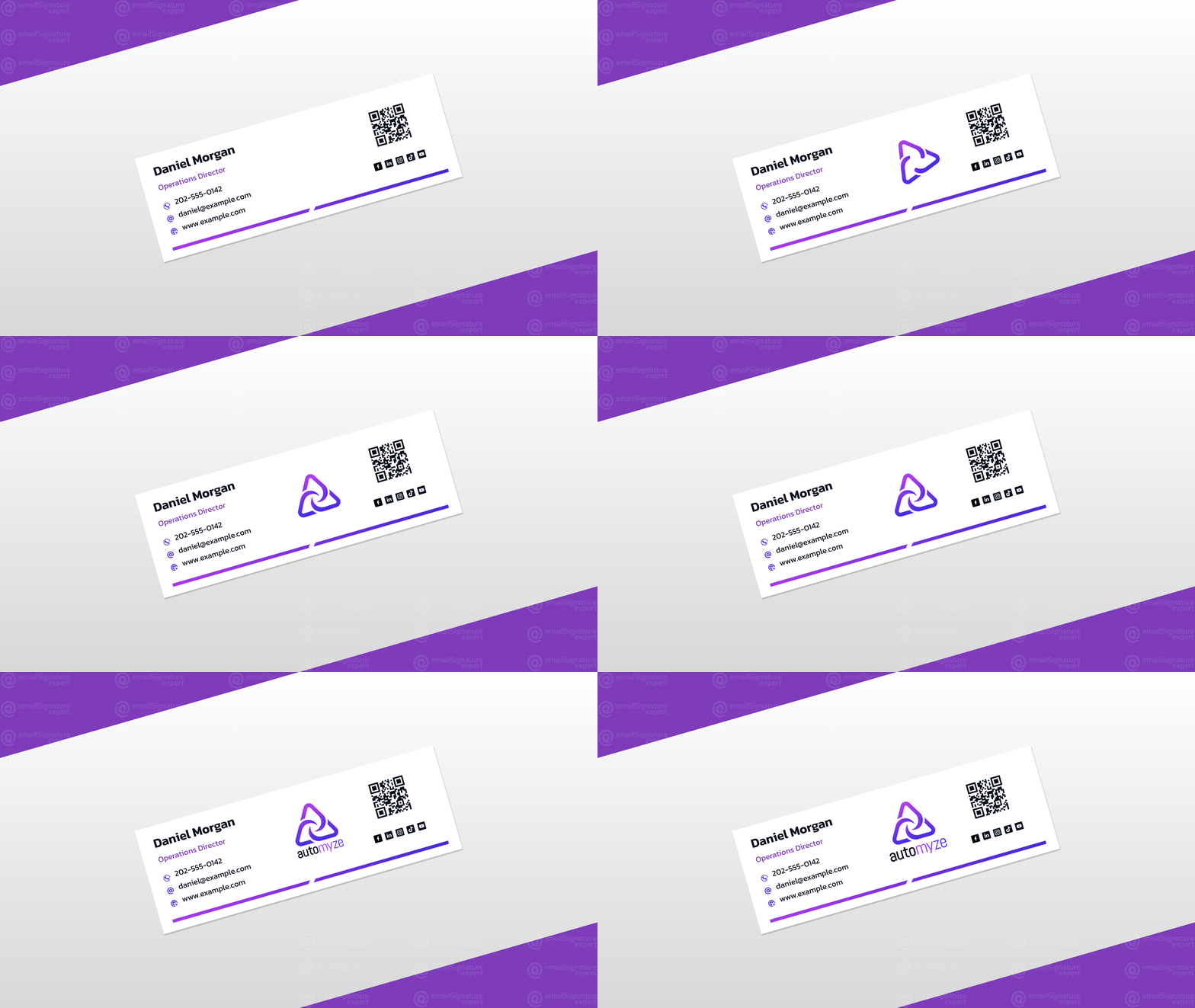
<!-- Animated GIF CTA, first frame
 is a complete static button for
 Outlook desktop -->
Minimal · Modern · Headshot · Dark background · Banner · Animated
Coded to perform
Outlook still renders email like it’s 2007. We code for that, then check layout, images, links and dark mode before anything reaches you.
| Email client | Layout | Links | Dark mode |
|---|---|---|---|
| OutlookWindows desktop | pass | pass | pass |
| Outlook / Microsoft 365Web | pass | pass | pass |
| OutlookiOS · Android | pass | pass | pass |
| GmailWeb | pass | pass | pass |
| GmailiOS · Android | pass | pass | pass |
| Apple MailmacOS | pass | pass | pass |
| Apple MailiPhone · iPad | pass | pass | pass |
| Yahoo Mail | pass | pass | pass |
| Thunderbird | pass | pass | pass |
| Spark | pass | pass | pass |
| Zoho Mail | pass | pass | pass |
Thanks Sam, speak Thursday.
Dark mode is included as standard. Colours and image treatments are chosen so your signature stays readable when the inbox flips. Scroll past to watch it switch.
Test coverage is agreed for each project.
How it works
Five steps from brief to inbox. Design in 48 hours, installed by day four, and you approve the design before any code is written.
Maya LindenCreative Director
+1 (555) 014 2290|maya@aurelle.example
AURELLE.EXAMPLE<table role="presentation"> <tr><td style="padding:20px;"> <b style="color:#17233B;">Maya Linden</b> <span style="color:#7662C9;">Creative Director</span> </td><td align="right"> <img src="logo.png" width="190"></td></tr></table>A short call or message thread about your brand, role and goals. We collect your logo, headshot, social links and brand guidelines.
We design a signature around your identity: typography, spacing, colour and hierarchy. You approve it before any code is written.
The approved design is hand-coded in table-based HTML with inline CSS, the only reliable way to build for email.
We check links, images and spacing in Gmail, Outlook, Apple Mail, Office 365 and mobile clients, in light and dark mode.
You get the final files and a step-by-step guide for your email client. Prefer not to touch it? We can install it for you.
Case studies

Meet the founder
I’m Ashfaqur Rahman, a designer and HTML coder with more than 10 years of experience and over 900 clients worldwide. I founded Email Signature Expert to help businesses bring their brand into every email through thoughtful design, careful coding and personal support.
From the first conversation to installation and support afterwards, you work with the person who designs and codes your signature.
Testimonials
What clients say after their signature goes live.
[TESTIMONIAL NEEDED: 1–3 sentences, client's own words]
[TESTIMONIAL NEEDED]
[TESTIMONIAL NEEDED]
[TESTIMONIAL NEEDED]
Compare
Free tools are fine for a quick signature. Here is where they stop, and where custom work starts paying for itself.
| Feature | Free generatorQuick, generic templates | DIY in your email appThe built-in editor, your time | Email Signature ExpertCustom design, coded and tested |
|---|---|---|---|
| Designed to your brand guidelines | Template only | Limited by the editor | Custom design |
| Table-based HTML with inline CSS | Varies by tool | No | Hand-coded |
| Tested in Outlook, Gmail and Apple Mail | Rarely | You test it yourself | Every project |
| Dark-mode handling | Usually not | No | Included as standard |
| Image hosting | Often tied to a paid plan | You arrange it | Premium Hosting Support |
| Branding added by the tool | Common on free tiers | None | None |
| Installation help | Help articles | None | Guides, or we install it |
| A person to ask | No | No | The designer who built it |
Pricing
One-time pricing for custom work. Pick who it’s for, and you’ll see what each option includes.
Images are hosted on our server, with 3 years of complimentary support on the Premium package and 2 years on other packages. Prefer your own server? That works too.
Our promises
We revise until you're completely satisfied with the design.
Counted from your approved brief. Same-day priority is available.
Built and tested for the email clients agreed for your project.
We revise until you're happy with the result.
FAQ
Compatibility, delivery, installation and hosting. Anything else, ask us in the form below.
Yes. Send us your design and we’ll reply with a quote to convert it into clickable, hand-coded HTML.
Yes. Send us your current files and tell us where it breaks. We’ll find the cause and fix it.
Yes. It works in any email client that supports HTML signatures. We build and test for the clients agreed for your project, typically Gmail, Outlook, Apple Mail and Office 365.
A hand-coded HTML file with inline CSS, ready for your email client, plus installation guides for Gmail, Outlook, Apple Mail and Office 365. We can also install it for you as an add-on.
Yes. Subtle animation such as a pulsing CTA button, an animated logo or a fade-in, coded so it still looks complete in clients that don’t support animation.
Most signatures are delivered within 48 hours of receiving your brief and assets. Complex designs and team packages take 3–5 business days. Priority same-day service is available.
Yes. Our Signature Generator service builds a custom generator for your brand, so your team can create unlimited signatures themselves. An online self-service tool for individuals is planned for the future.
Your logo (SVG or high-resolution PNG), a headshot if you’d like one, your contact details, social media links, any brand guidelines, and a short description of your role and company.
Yes. Every package includes unlimited revisions until you’re happy. After the signature is final, small updates such as a new phone number or job title are available at a low flat rate.
Yes. Dark mode support is included as standard. We use CSS media queries and fallback colours so your signature reads well in light and dark inboxes.
By default on our own VPS server, with 3 years of complimentary support on the Premium package and 2 years on other packages. If you’d rather host the images on your own server, that works too.
In Gmail, open Settings (the gear icon), choose See all settings, scroll to Signature, create a new signature and paste yours in. Save changes at the bottom of the page. Every delivery includes a step-by-step Gmail guide.
In Outlook, open Settings and go to Signatures (in Outlook on the web: Mail, then Compose and reply). Create a new signature, paste yours in and save. Our Outlook guide covers the desktop app and the web version.
On a Mac, open Mail, then Settings, then Signatures, and add a new signature. On iPhone, go to Settings, then Mail (on iOS 18: Settings, then Apps, then Mail), then Signature. Our guide covers both, including how to keep images showing.
Tell us about your brand and we’ll design a free mockup of your signature. If you like it, we’ll code, test and deliver it. If not, you owe nothing.
Prefer to talk first?emailsignatureexpert@gmail.comWhatsApp +880 1978 490018
Yours sincerely,
Ashfaqur Rahman · Email Signature ExpertOne-time pricing for custom work · Unlimited revisions · No obligation
Yours sincerely,
Ashfaqur Rahman · Email Signature Expert